Spaces and Desks
Room for every
part of your life.
Work, home, a trip, an evening of reading. Each gets its own Space with its own tabs, colour and agent. Inside a Space, Desks lay pages side by side and remember how you left them.
17 days to go · 7 open · 2 Desks
Trip to Lisbon
Kept the quietest flat in Alfama. One thing needs your OK.
Desks
Planning ⌥1
Restaurants ⌥2
Open today
Pinned
Note
Things not to miss
Senhora do Monte at sunset. Tram 28 before nine. The original pastéis.
Spaces
Each part of your day gets its own room.
A Space is a whole browser in miniature. It has its own colour, its own pinned pages and favourites, its own agent and its own memory. Work stays in Work. The trip stays in the trip.
Your Spaces · 21:40
⌃← ⌃→ or two fingers to move · ↩ Enter · ⌘↑ Open its Room
Four Spaces, one Mac
Each keeps its own pages, Desks and agent.
Work
Mail, calendar and the project board on one Desk. Offered at 09:00.
Agent knows standup is at 09:00
Home
Shared with Ana. Groceries, school and the flat, after 18:00.
Agent remembers swimming is on Thursdays
Trip to Lisbon
Flights, the flat and the places Ana saved. Airline links open here.
Agent watches the flight price
Reading
Long reads, opened in Reader with ⇧⌘R. Quiet, no work tabs.
Agent summarises when you ask
Your next Space: a course, a side project, a house move. Give it a name, a colour and its hours. ⇧⌘N
The Room
The whole Space, laid out like a table.
Pinch out, or press ⌘↑, and the page steps back into its Space. Everything that belongs to it is on the table, and esc puts you back on the page.
Desks
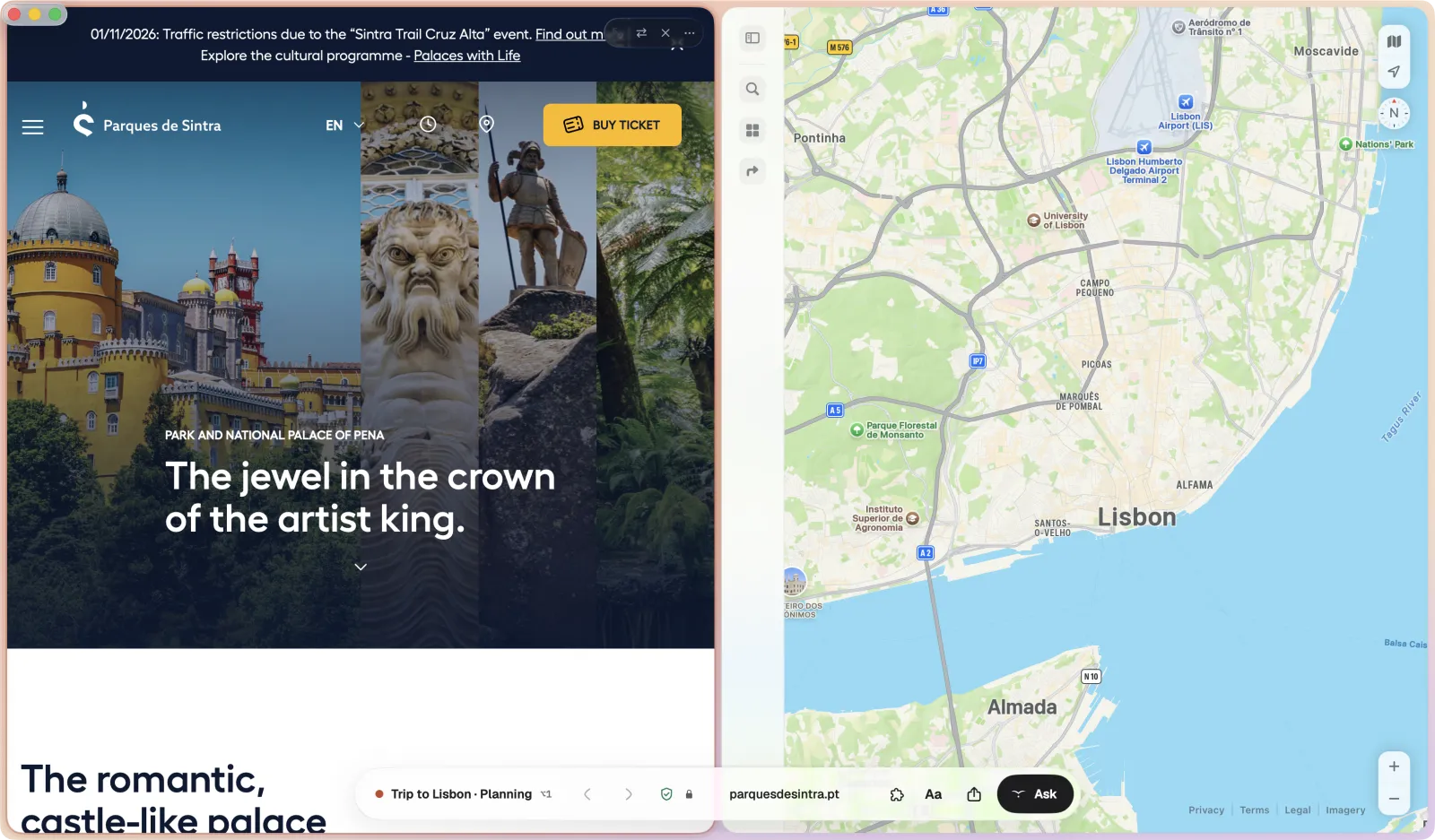
Lay pages side by side. They stay that way.
A Desk puts the pages you use together on one surface. Mail beside the calendar. The brief beside the design. Switch Desks with ⌥1 to ⌥9 and each one comes back exactly as you left it.
The shelf
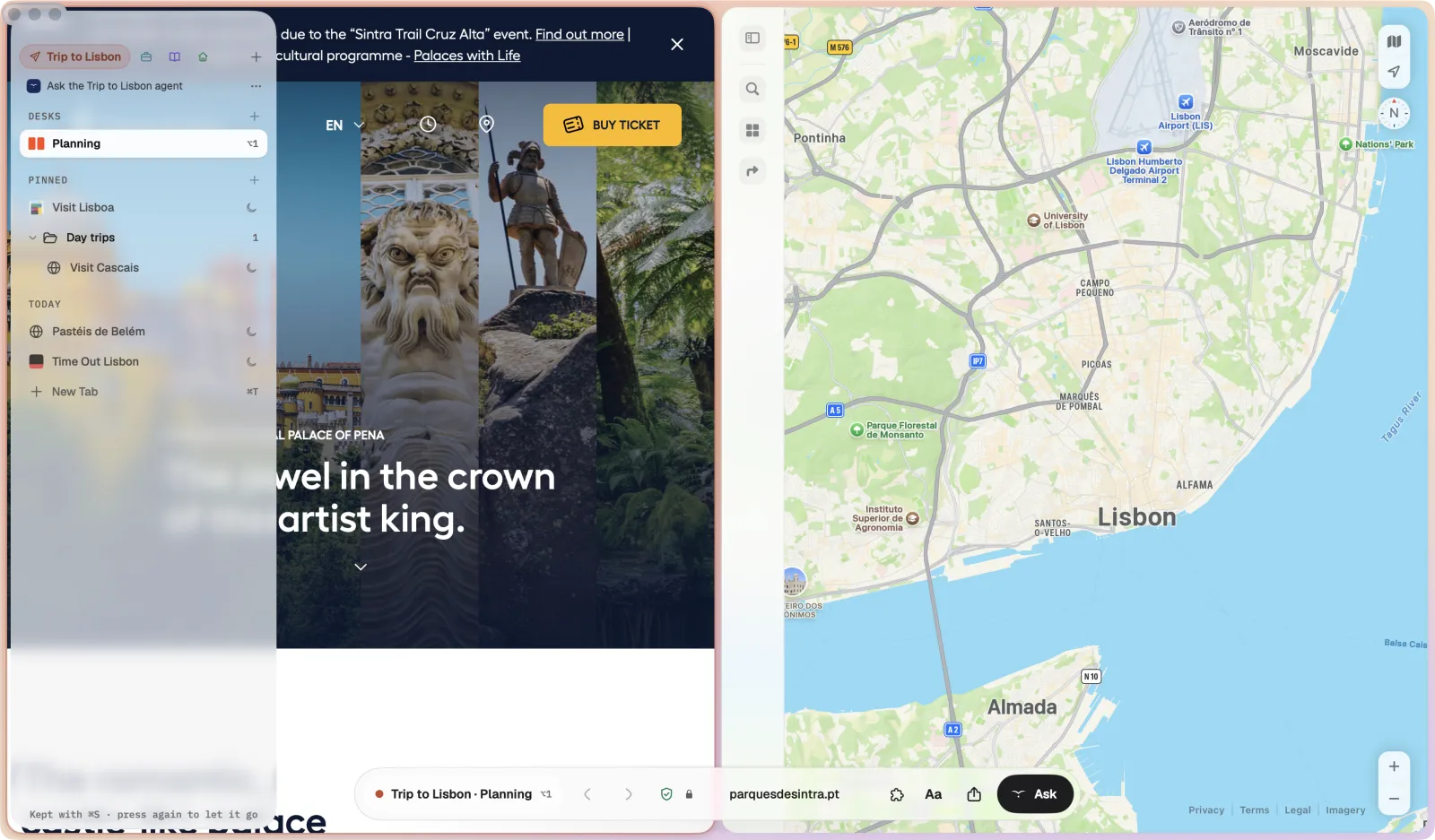
What you keep, at the left edge.
Move the pointer to the left edge and the shelf slides out over the page: the Space's favourites as tiles, its Desks, its pinned pages and folders, and today's pages. Move away and it goes. Press ⌘S to keep it open.
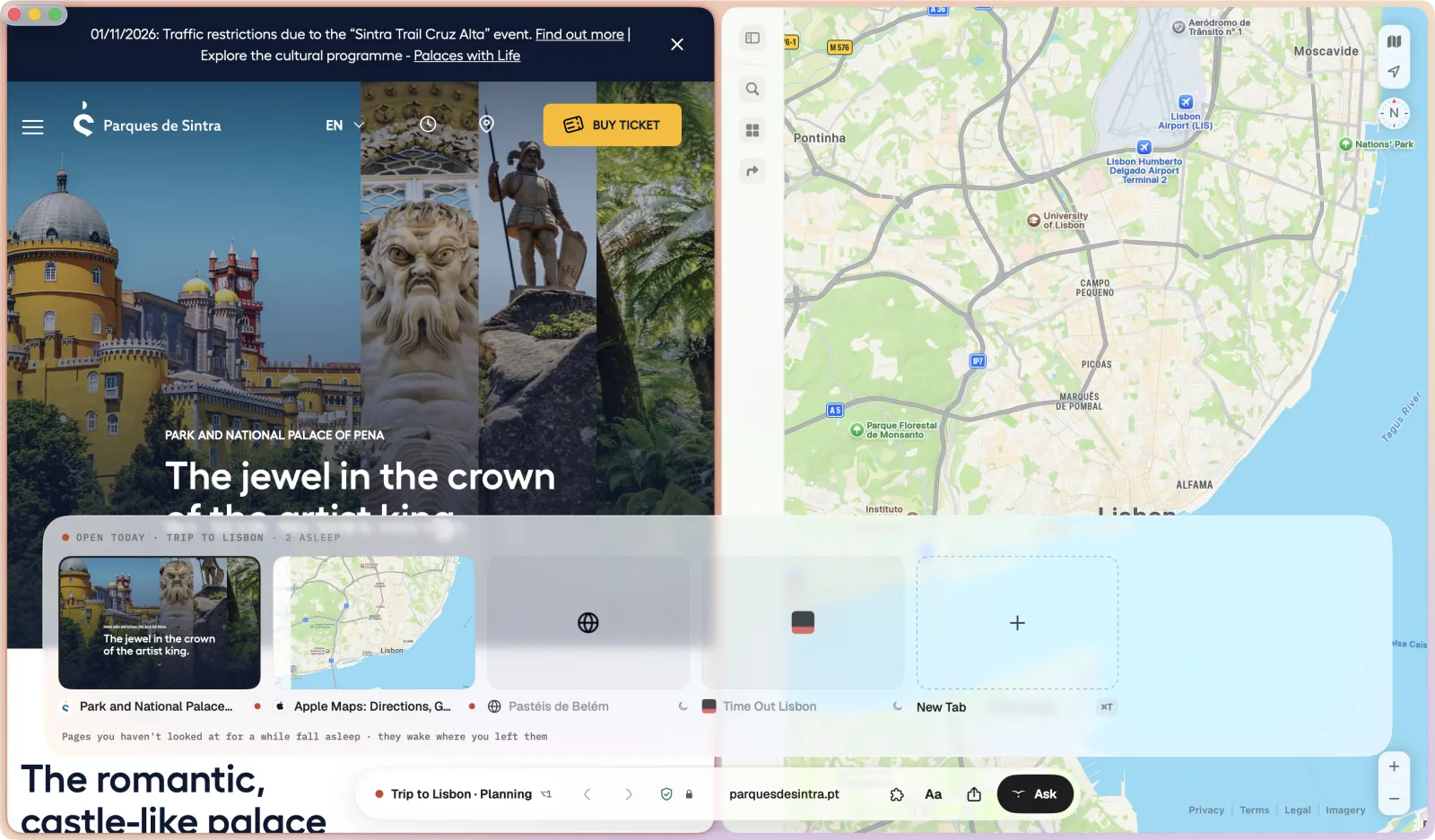
The tab tray
Today's pages, risen from the horizon.
Click the Space's name in the horizon and today's pages rise in a tray of cards. Move through them with ⌃⇥, drag one up to make a Desk, or drag it to the shelf to pin it.
The command bar ⌘T
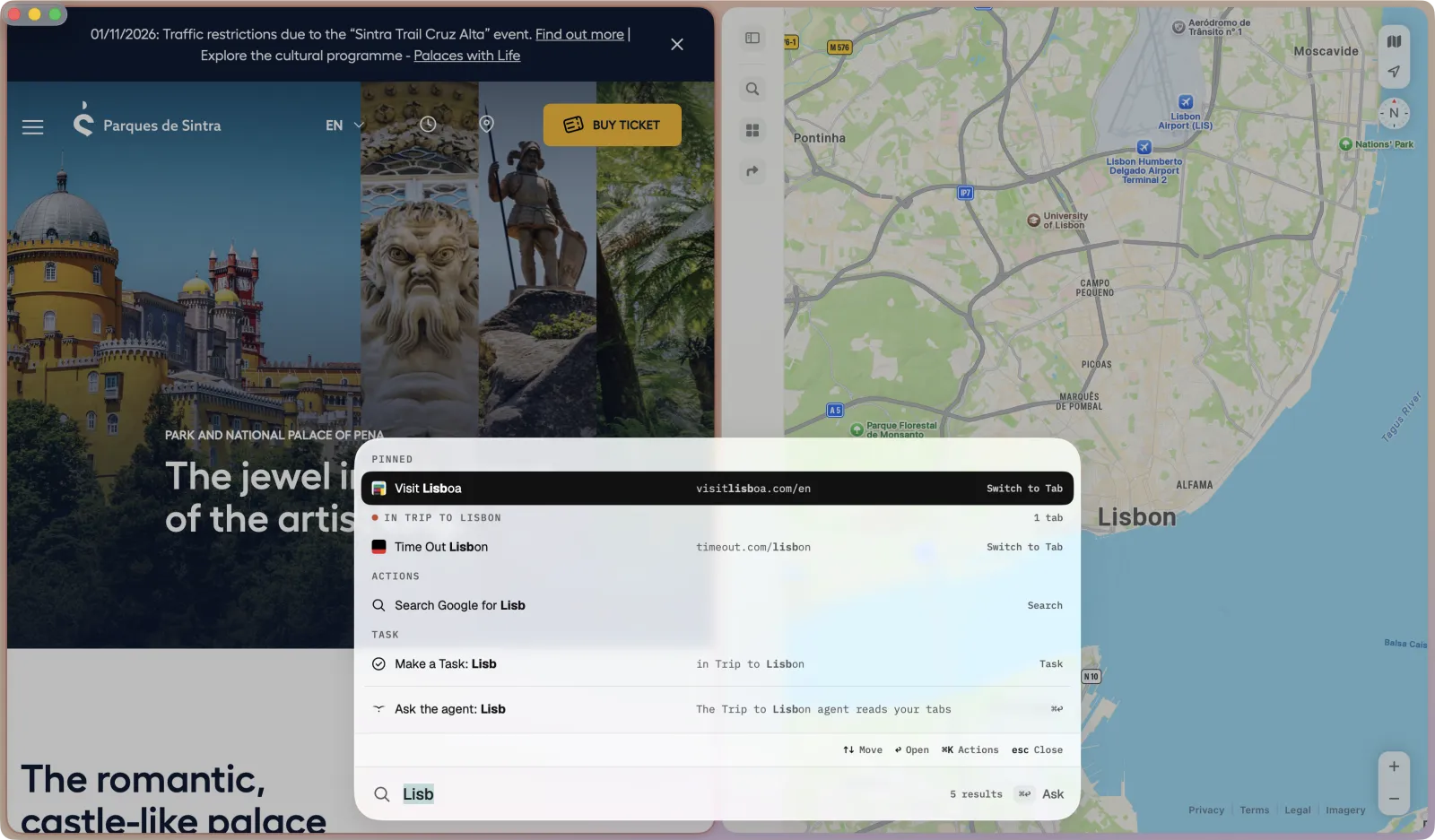
One place to type.
The horizon grows into the command bar. Type a few letters and it finds Spaces, open tabs, pinned pages, history and actions together. Press ⇥ and the same words go to the agent.
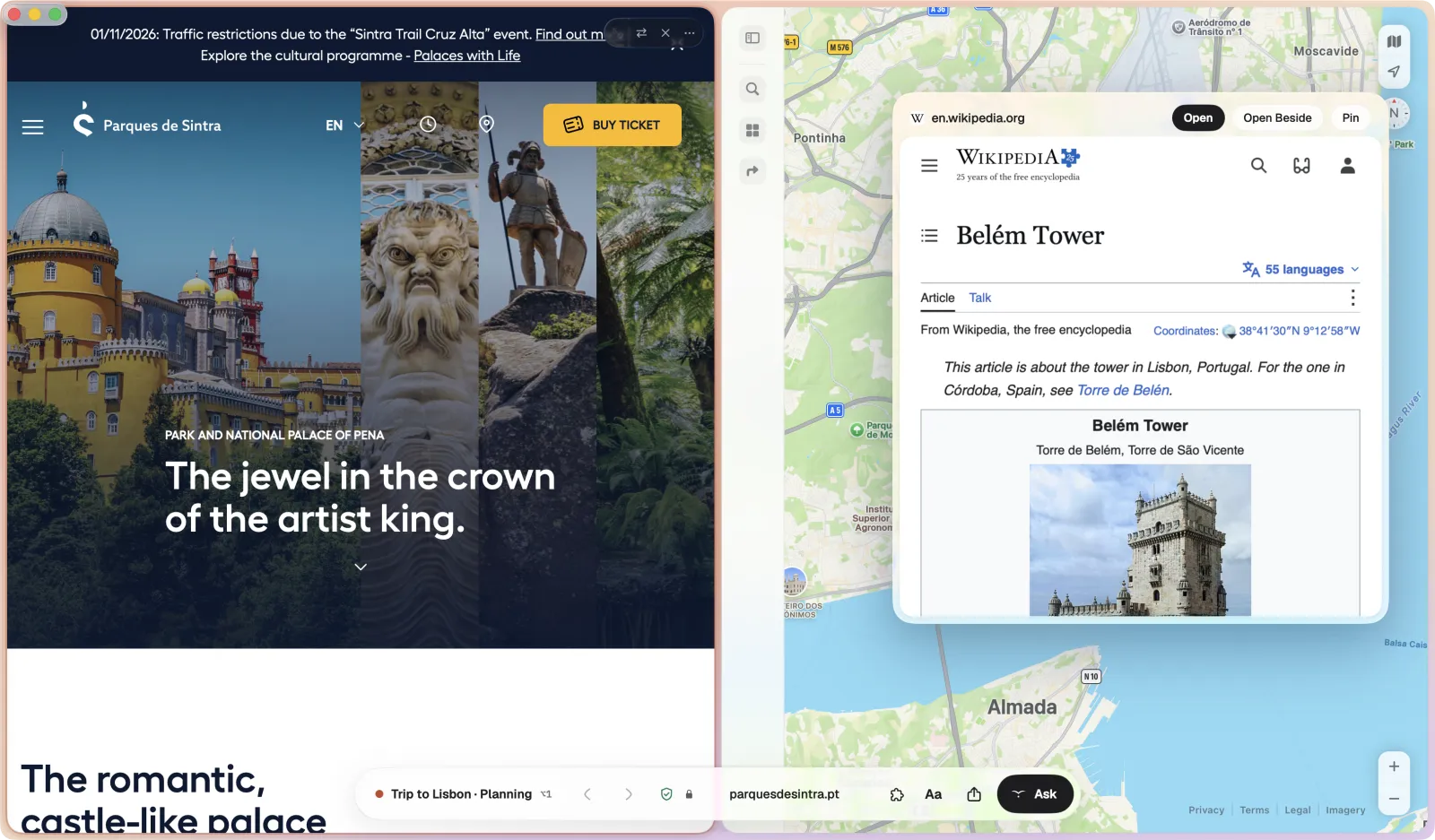
Link preview
Look before you go.
Hold ⇧ and click a link, and the page opens in a card over the one you are reading. Open it, open it beside this one as a Desk, or pin it for later.
Open today · Trip to Lisbon3 asleep
Casa do Largo Flights, 14 May Tram 28 routeAsleep since 14:10 · wakes when you open it Pastéis de Belém Fado in AlfamaClosed today · 4⇧⌘T
Weather in Lisbon, May16:42 Zé da Mouraria, menu14:05Clears at midnightReopen All
Sleeping tabs
Pages rest when you do not need them.
Pages you have not looked at for a while fall asleep and dim in the tray. They wake on a click, where you left them, scrolled to the same line. What you closed today waits under them until midnight.
Recall
Find what you read
by what you remember.
You remember the garden, not the hotel's name. Type it into ⌘T and Recall finds the sentence you read, then opens the page at that passage.
Pages you have read · 3 passagesSearched on this Mac only
Casa Alfama, roomscasaalfama.pt/roomsOpen at Passage ↩
The Garden Room opens onto our walled garden, with a lemon tree and a quiet table for breakfast under the vines.
Trip to Lisbon · Tuesday 14:10 · read 4 min · from Lisboa Lenta
Where to stay in Alfamalisboalenta.pt/stay
Behind a blue door, this little hotel hides a garden so quiet you forget the trams are two streets away.
Why the courtyard is the best room in the houseslowrooms.example
Reading · Sunday 11 October 08:05 · read 9 min
Closing and starting the day
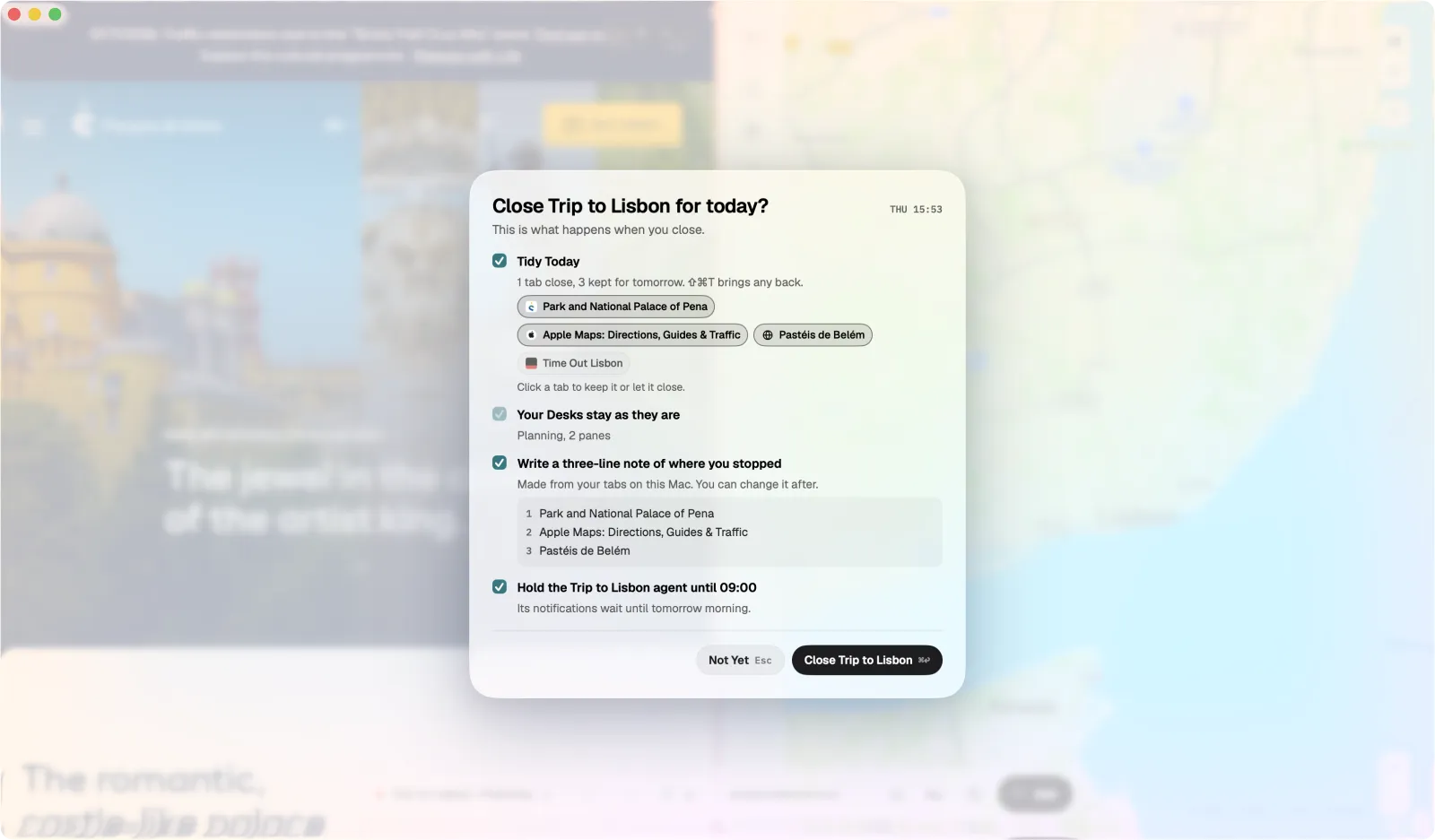
Close Work at six. Open it where you stopped.
Inbox 3 new since 18:00
Tuesday 3 November
Q3 notes
Back where you were yesterday at 17:58Restored 09:00 · 5 notifications held overnight
- Q3 notes: open questions half written
- Lease reply to Tomás drafted, not sent
- Hollis proofs arrive Wednesday
Everyday tools
The small things, done properly.
Start with one Space.
Bring your tabs over in one step, then add Spaces as your day asks for them.